MagicPicPro Blog
Step-by-step tutorials and guides for every free tool on MagicPicPro — no downloads, no sign-ups.
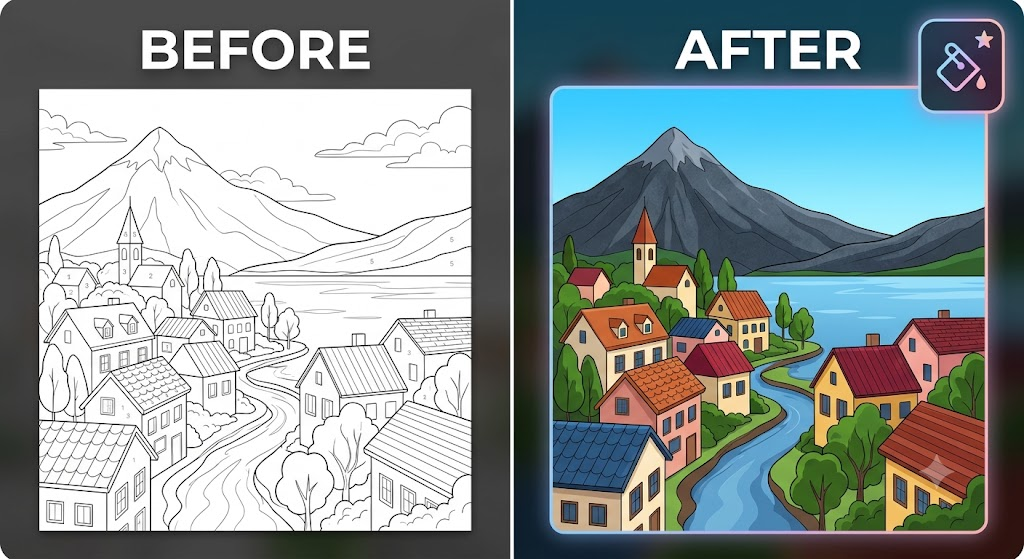
Transform Line Art into Vibrant Graphics Instantly
Learn how to use MagicPicPro's flood-fill paint bucket to colorize sketches and line art right in your browser — free, no software needed.
Read more →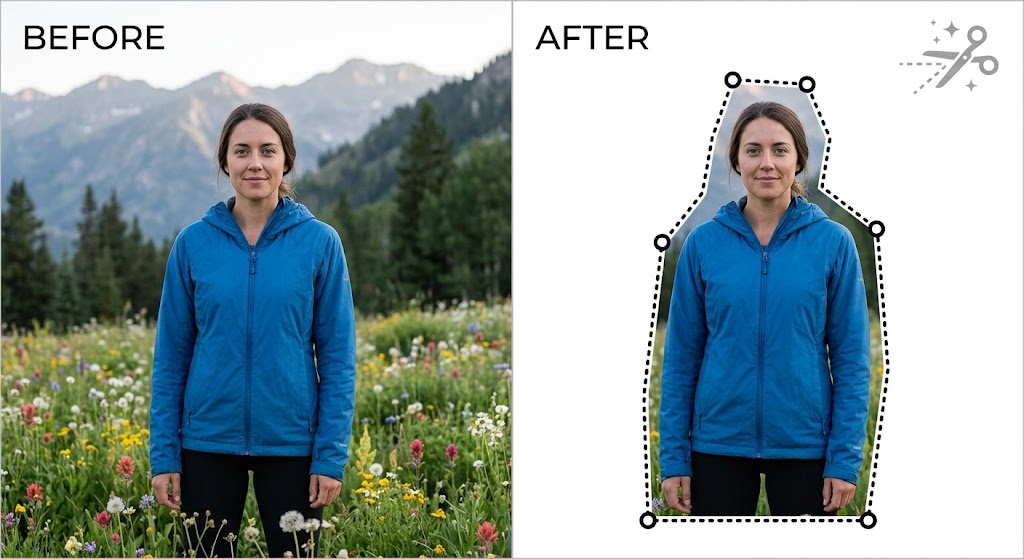
Master Freehand Precision: How to Use the Scissors Crop Tool
Extract any subject from a complex background with freehand vector selection — no expensive software, just your browser.
Read more →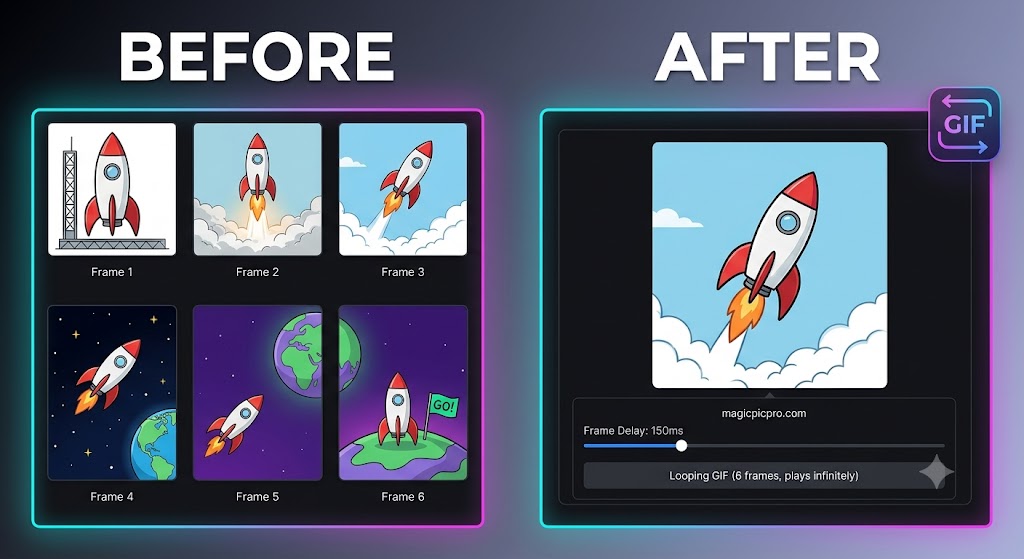
Turn Photos into Looping GIFs Online for Free
Stitch image frames into animated GIFs instantly — adjust frame rates and preview your loop in real time, all in your browser.
Read more →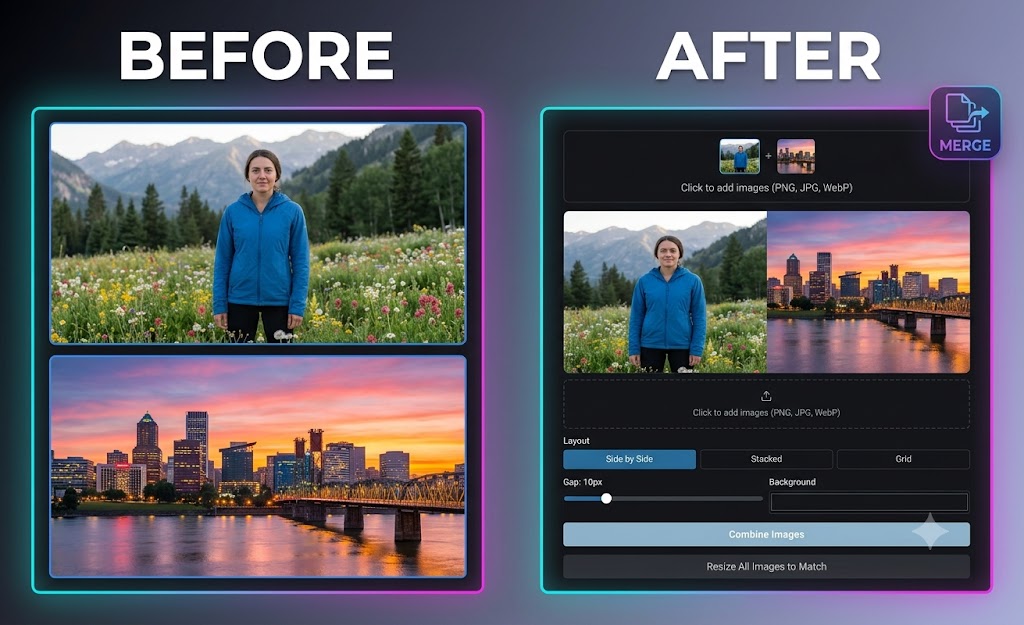
Effortlessly Merge and Combine Photos Online for Free
Merge photos side-by-side, stacked, or in a grid layout in just a few clicks — no account or software required.
Read more →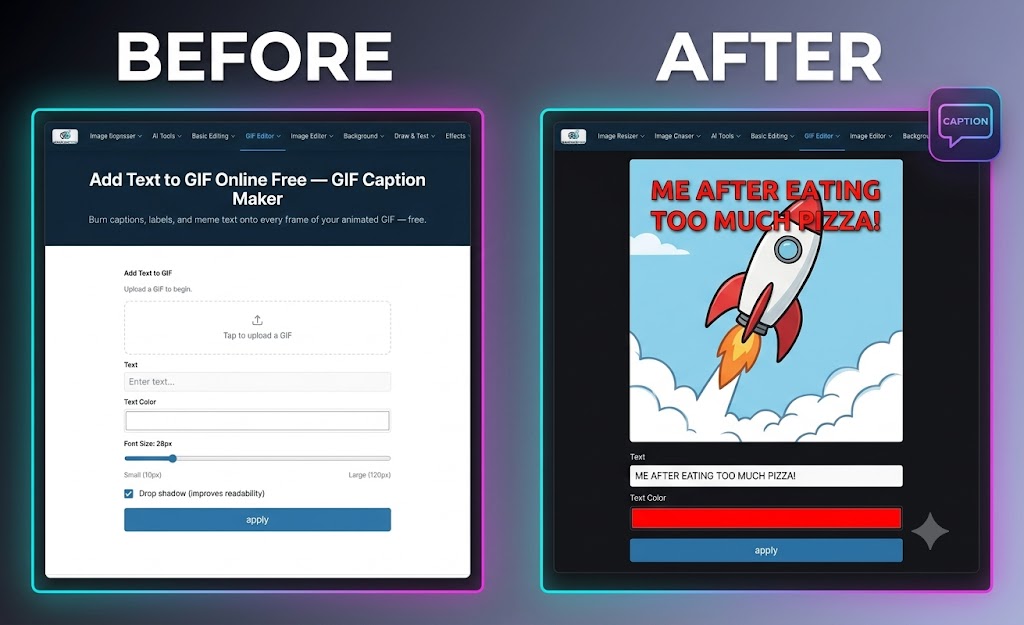
How to Add Text and Captions to GIFs Online for Free
Burn captions onto every frame of your animated GIF at once — custom fonts, drop shadows, and drag-to-position, free in your browser.
Read more →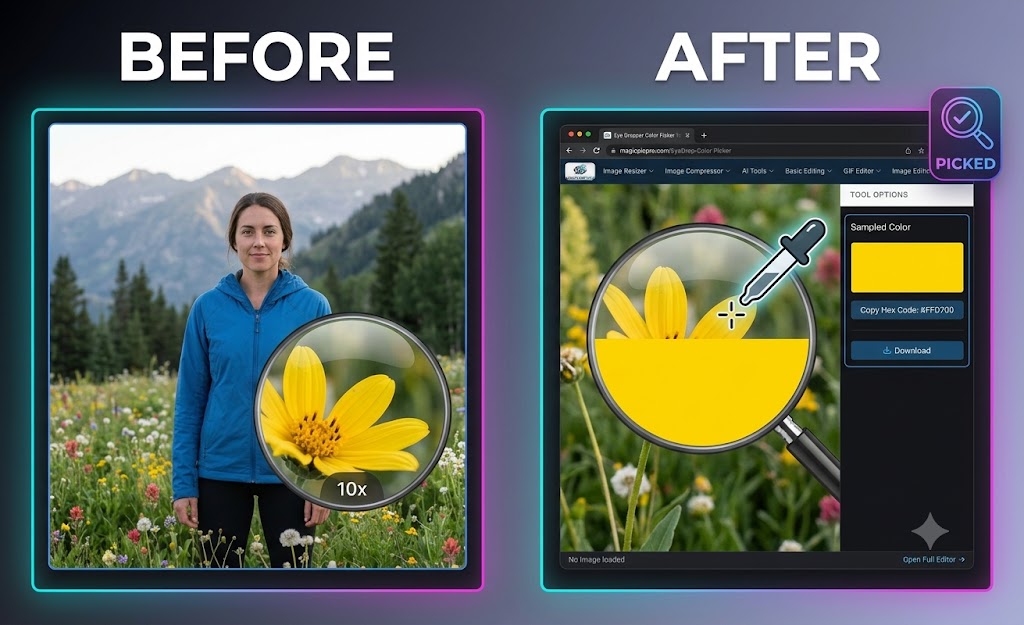
Extract Exact Colors Instantly with the Online Eye Dropper Tool
Sample any pixel from your images and copy the hex code instantly — perfect for designers matching brand colors or picking palettes.
Read more →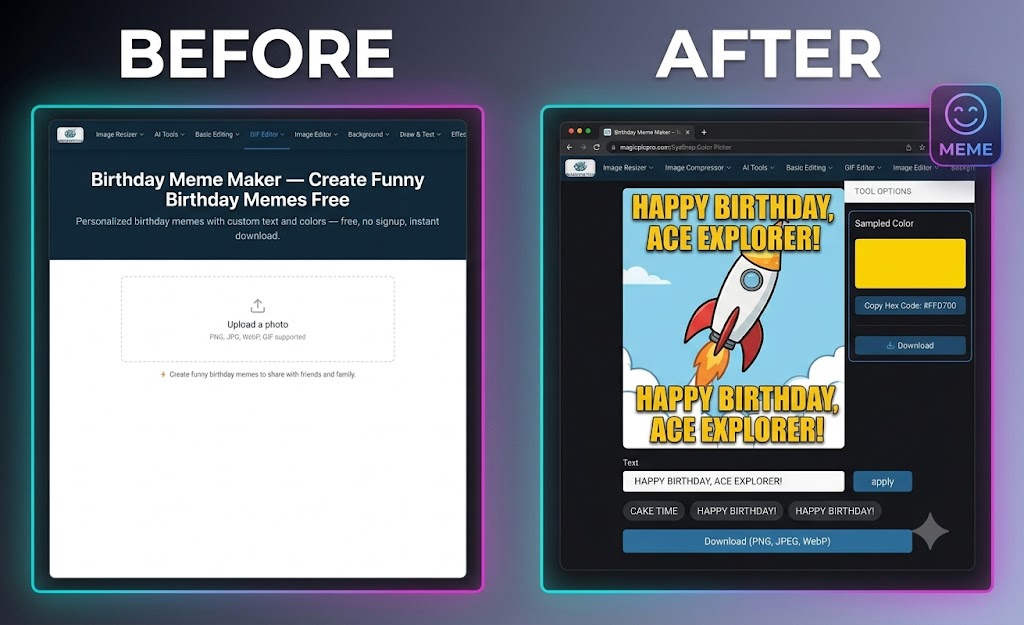
How to Make Custom Birthday Memes Online for Free
Create hilarious, personalized birthday memes in seconds — pick a photo, add text or quick-phrase chips, and share instantly.
Read more →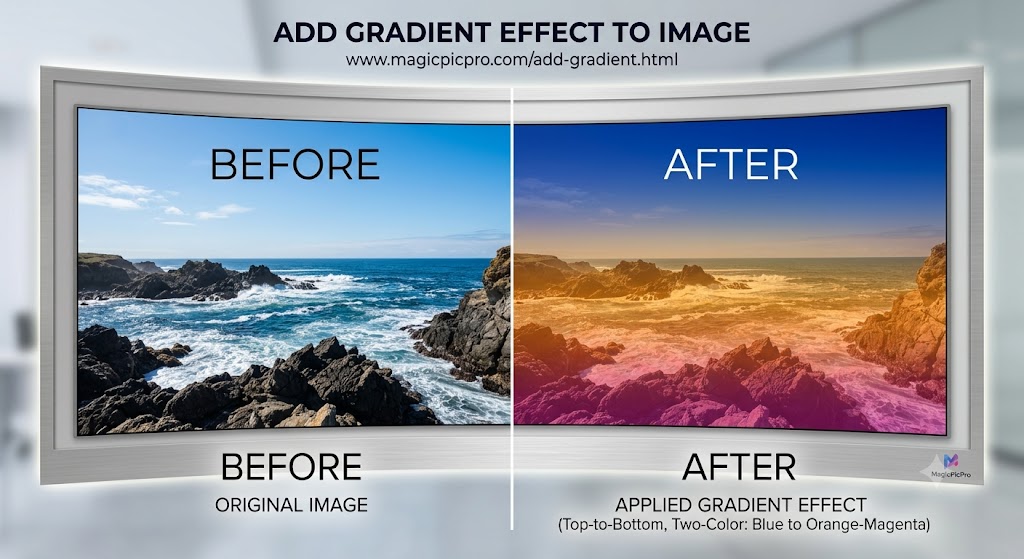
The Power of the Gradient: Stylize Your Images Like a Pro
Turn a flat photograph into a dramatic, high-fashion art piece by applying a two-color gradient overlay with MagicPicPro.
Read more →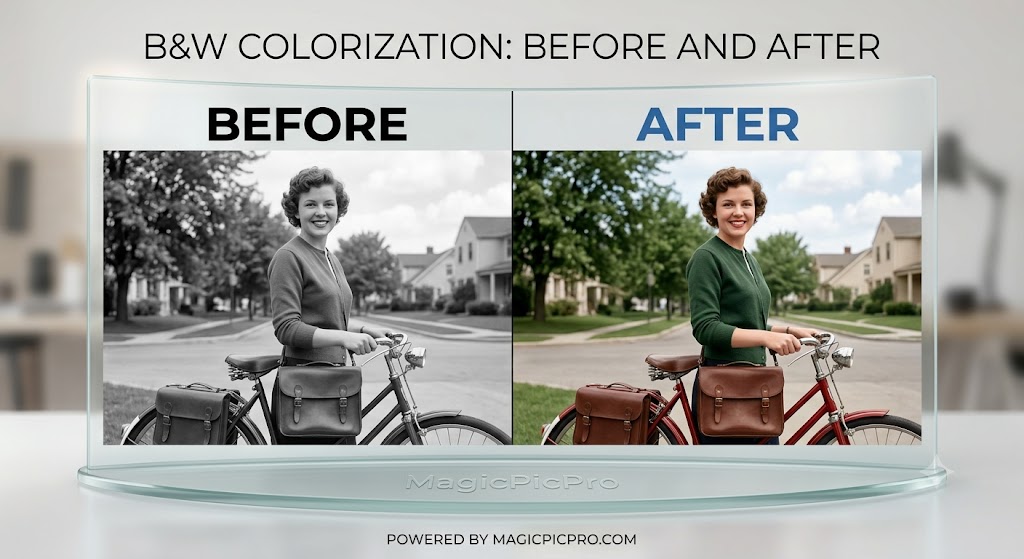
The Power of Colorization: Vintage Charm Meets Modern Detail
Breathe life into vintage black-and-white photos by selectively painting realistic colors while preserving shadows and textures.
Read more →