Add Frame to Image Online

See It in Action

Add a polished custom frame to any photo in one click — choose from classic, modern, and decorative styles sized to fit your image perfectly.
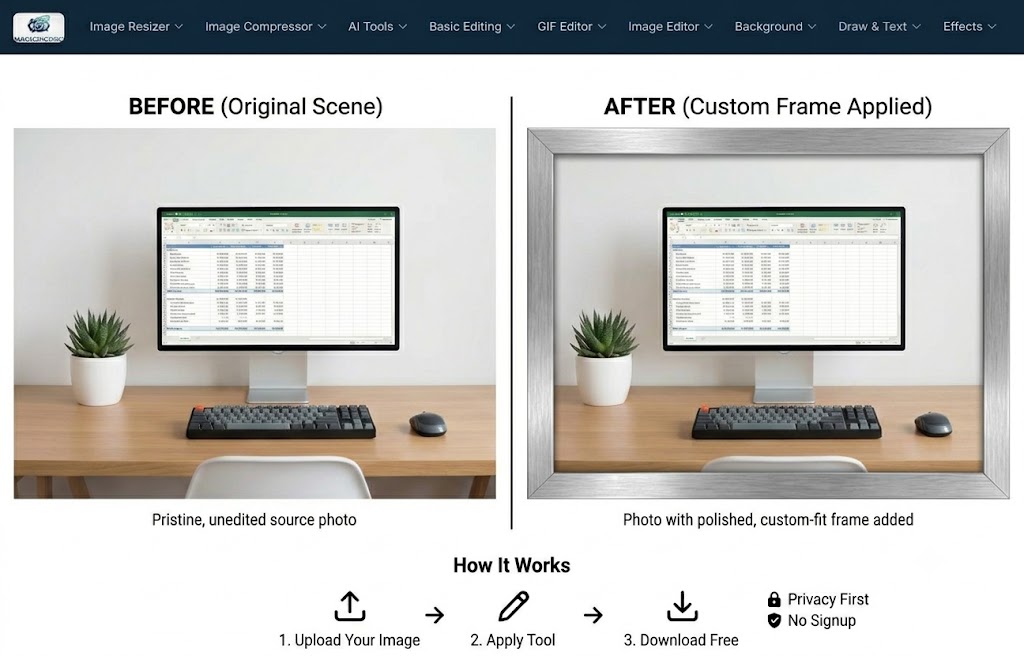
Add Frame before and after — clean home office photo with a polished silver custom frame added around the entire image
🖼️
Multiple Frame Styles
Pick from classic wood, sleek silver, ornate gold, and modern minimal frames — each scales to fit your image dimensions automatically.
📐
Custom Fit, Any Size
The frame is rendered at the exact pixel dimensions of your photo — no cropping, no letter-boxing, no distortion of the original image inside.
⬇️
Download Free, No Signup
Download your framed photo as a full-resolution PNG instantly — no watermark, no account, ready to print, share, or embed in a design.

About This Tool

Add a custom color frame or border to photos online free. Choose the frame color and width, then apply instantly. PNG, JPG, WebP supported. No software download needed. MagicPicPro.

🔒 Privacy First
Your images never leave your device. All processing happens locally in your browser.
⚡ No Sign-up Needed
Free to use instantly — no account, no subscription, no watermarks.
🌐 Works Everywhere
Compatible with all modern browsers on desktop and mobile. Nothing to install.
📁 Multiple Formats
Upload PNG, JPG, WebP, or GIF. Export in the format that suits your project.

About MagicPicPro

MagicPicPro is a free, professional-grade image editor that runs entirely in your browser. We built it because great photo editing shouldn't require expensive software, cloud subscriptions, or waiting for uploads.

Every tool — from the simple crop to the multi-step scissors cut — processes pixels locally using the HTML5 Canvas API. Your images never leave your device. There are no accounts, no watermarks, and no file-size limits imposed by a server.

We're continuously adding tools based on what real creators need. If you have a feature request, we'd love to hear it.