ID Photo Maker — Online Free
Make a standard ID photo online free. 35×45 mm crop, white background, instant download — no upload needed. MagicPicPro.
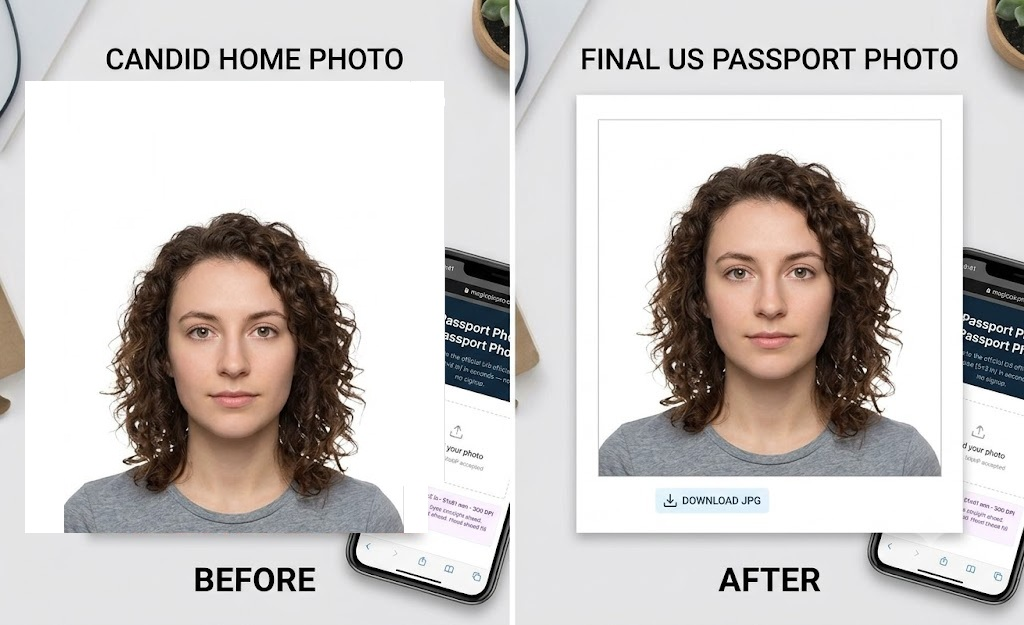
See It in Action
Crop any photo to the standard 35×45 mm ID format — zoom to fit, pan to center your face, and download a compliant JPG instantly, free.
📐
Official Document Size
35×45 mm — the standard format used for national ID cards in most countries.
🔍
Zoom, Pan & Center
Use the zoom slider to scale your photo, then drag left, right, up, or down to perfectly center your face in the frame before downloading.
📱
Phone-Friendly
Works on any device — upload a selfie from your phone camera, position your face, and download the compliant JPG instantly, no app needed.
How It Works
- Upload Your Picture. Need an ID photo? Start by uploading your picture to MagicPicPro.
- Center Your Face in the Frame. Adjust the zoom and position your photo so your face is centered in the 35 × 45 mm frame.
- Download Your ID Photo. When you're happy with the result, download your ID photo instantly. It's free and works online.