Passport Photo Resize — Online Free
Resize any photo to passport size online free. Crop and resize to 2×2 in (51×51 mm) standard — white background, instant download. MagicPicPro.
See It in Action
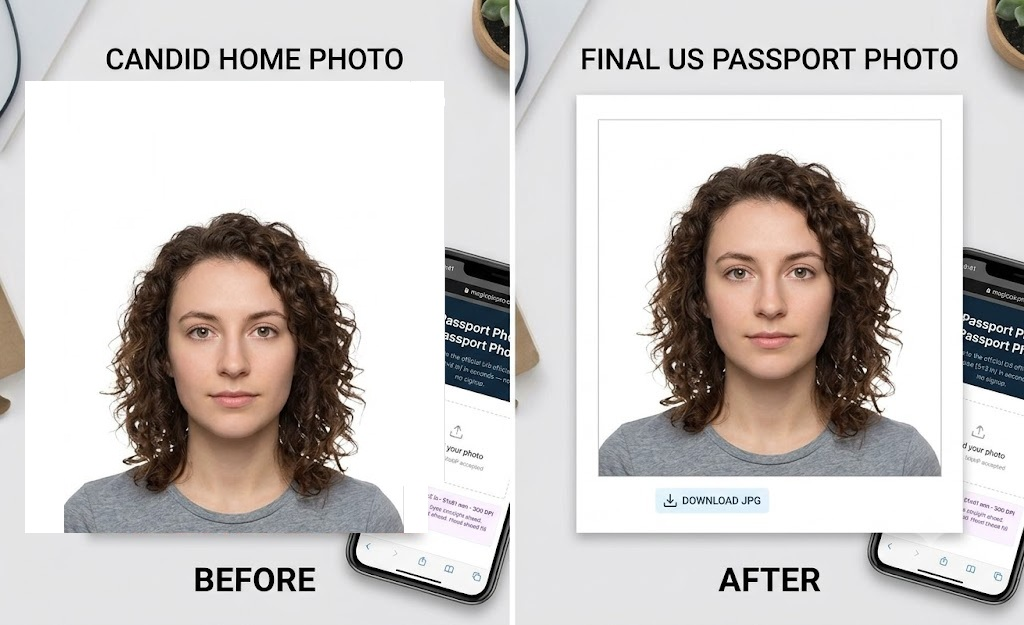
Upload any photo and resize it to the exact 2×2 in (51×51 mm) passport format — zoom in, center your face, and download immediately.
📐
Official Document Size
2×2 in / 51×51 mm — the official US passport and many international passport sizes.
🔍
Zoom, Pan & Center
Use the zoom slider to scale your photo, then drag left, right, up, or down to perfectly center your face in the frame before downloading.
📱
Phone-Friendly
Works on any device — upload a selfie from your phone camera, position your face, and download the compliant JPG instantly, no app needed.
How It Works
- Upload Your Picture. Need a passport photo? Start by uploading your picture to MagicPicPro.
- Center Your Face in the Frame. Adjust the zoom and position your photo so your face is centered in the 2 × 2 in (51 × 51 mm) frame.
- Download Your Passport Photo. When you're happy with the result, download your passport photo instantly. It's free and works online.
See the same upload, zoom, and positioning workflow in our 35×45 mm ID photo tutorial. This page is set up for the US 2×2 in passport photo size.