Make Image Transparent Online

See It in Action

Make any solid-color background transparent with one click — perfect for logos, icons, and product shots that need a clean cutout.
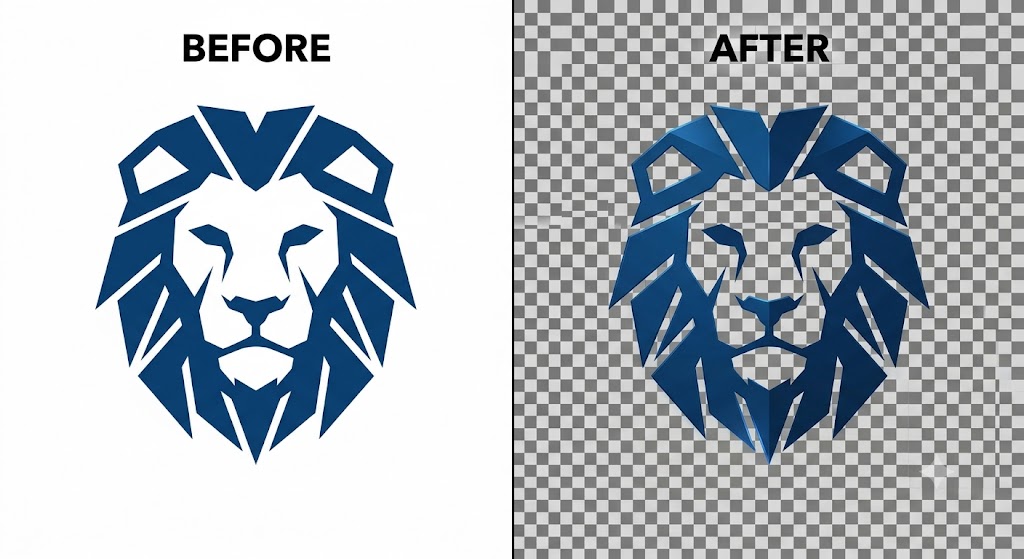
Transparent background before and after — blue geometric lion logo on white background converted to a clean transparent PNG
🎯
Color-Pick Removal
Click the background color to remove — the tool erases all matching pixels instantly, including those nested inside cutout areas like letter counters or logo gaps.
🔲
True Transparent PNG
The result is a genuine alpha-channel PNG — the removed areas are fully transparent, not white, so the logo sits cleanly on any background or color.
Instant, No Upload
Everything runs in your browser — no server upload, no processing delay. Paste your logo, click the background, and download in seconds.

About This Tool

Make image backgrounds transparent online free. Remove the background from logos, icons, and illustrations with pixel-perfect results. Download as a transparent PNG. MagicPicPro.

🔒 Privacy First
Your images never leave your device. All processing happens locally in your browser.
⚡ No Sign-up Needed
Free to use instantly — no account, no subscription, no watermarks.
🌐 Works Everywhere
Compatible with all modern browsers on desktop and mobile. Nothing to install.
📁 Multiple Formats
Upload PNG, JPG, WebP, or GIF. Export in the format that suits your project.

About MagicPicPro

MagicPicPro is a free, professional-grade image editor that runs entirely in your browser. We built it because great photo editing shouldn't require expensive software, cloud subscriptions, or waiting for uploads.

Every tool — from the simple crop to the multi-step scissors cut — processes pixels locally using the HTML5 Canvas API. Your images never leave your device. There are no accounts, no watermarks, and no file-size limits imposed by a server.

We're continuously adding tools based on what real creators need. If you have a feature request, we'd love to hear it.