AI Image Enhancer — Improve Photo Quality Online Free
See It in Action
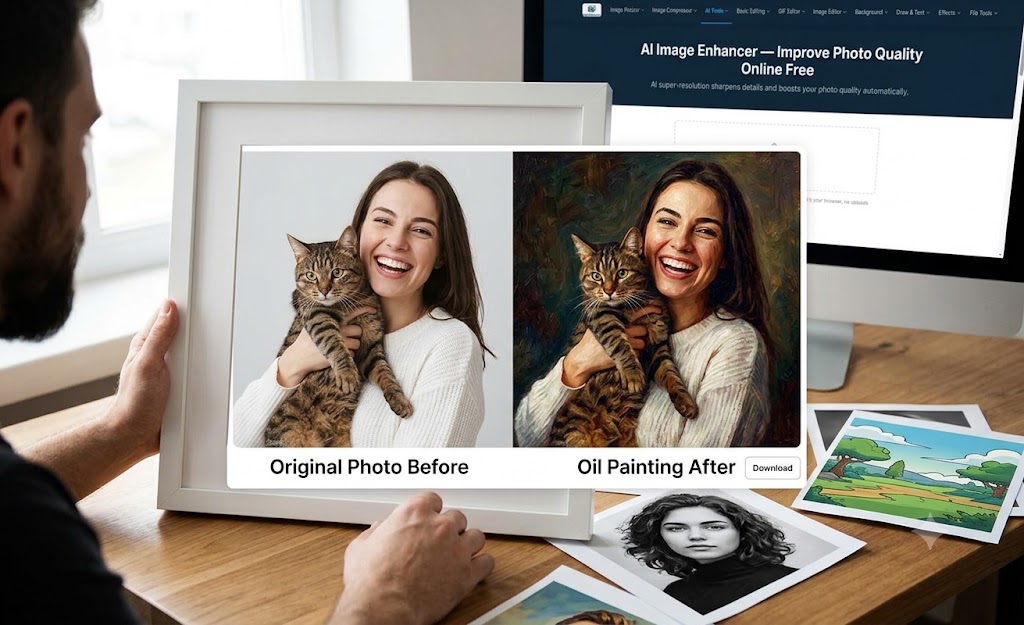
Local sharpening and contrast adjustment can improve the appearance of soft or low-contrast images while preserving the source dimensions.
About This Tool
Improve photo clarity with local sharpening and contrast adjustment. Upload a soft, low-contrast, or compressed image to refine the appearance of existing edges, then compare and download the result. This tool does not reliably recreate detail that is missing from the original image. It is useful for photos, screenshots, scanned documents, and illustrations. Free, no signup required.
How to Enhance an Image
- Upload a photo. Start with the clearest original you have for the most useful result.
- Run the enhancer. It sharpens fine edges and adjusts contrast to improve perceived clarity.
- Compare and download. Review the enhanced image and save the version you prefer.
Common Questions
How do I improve image quality online?
Upload a photo, run the enhancer, compare the result, and download the version you prefer.
Can an enhancer fix every blurry photo?
Enhancement can improve sharpness and contrast, but it cannot reliably restore detail that is not present in the original image. Results depend on the source photo.
Are photos uploaded for enhancement?
No. MagicPicPro processes the image in the browser, so the photo stays on the device.
About MagicPicPro
MagicPicPro is a free, professional-grade image editor that runs entirely in your browser. We built it because great photo editing shouldn't require expensive software, cloud subscriptions, or waiting for uploads.
We're continuously adding tools based on what real creators need. If you have a feature request, we'd love to hear it.