GIF Meme Maker — Add Text to GIFs Free Online
See It in Action
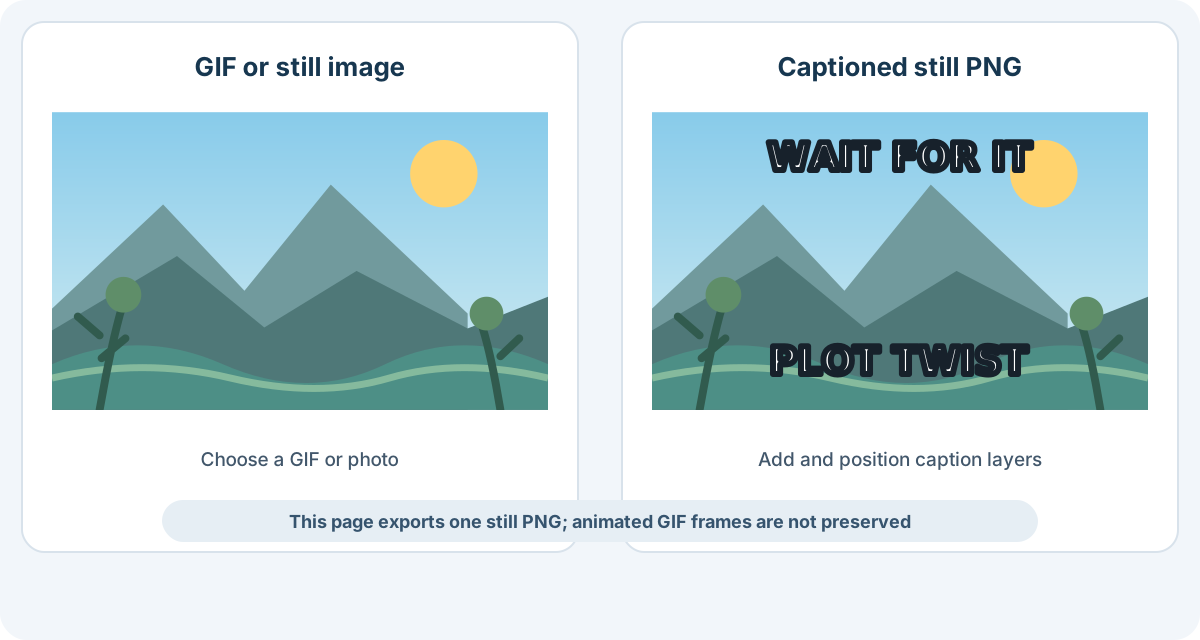
Upload a GIF or still image, add bold captions, and download a still PNG. This page does not preserve GIF animation.
About This Tool
Use a GIF or still image as the background, then add editable, bold Impact-style captions. This page renders the image to a canvas and downloads a single PNG; it does not keep GIF frames or timing. For captions on an animation, use the GIF Text Editor.
How It Works
- Upload a GIF or still image. The image becomes the background; animated GIF input is exported as one still PNG.
- Add and style caption layers. Choose a phrase suggestion or type your own, then adjust position, size, color, outline, and capitalization.
- Preview and download PNG. Review the still meme and download it. Use GIF Text Editor if you need to keep the animation.
GIF Meme Maker FAQs
Does the downloaded meme stay animated?
No. The image is rendered to a canvas and downloaded as one still PNG. GIF animation is not preserved.
Can I use a regular photo instead of a GIF?
Yes. Upload a still image and add the same caption layers and styling.
Can I add more than two captions?
Yes. Add another text layer and set its vertical position, size, color, outline, and capitalization separately.
How do I add captions to an animated GIF?
Use the GIF Text Editor when the output needs to remain animated.
Choose the Right Meme Workflow
Use this page when a single captioned PNG is the result you need. Keep captions short, position them away from faces or the main action, and check the text against the background. If the words need to appear over moving frames, use GIF Text Editor instead.