Color Tint & Photo Filter Online
See It in Action
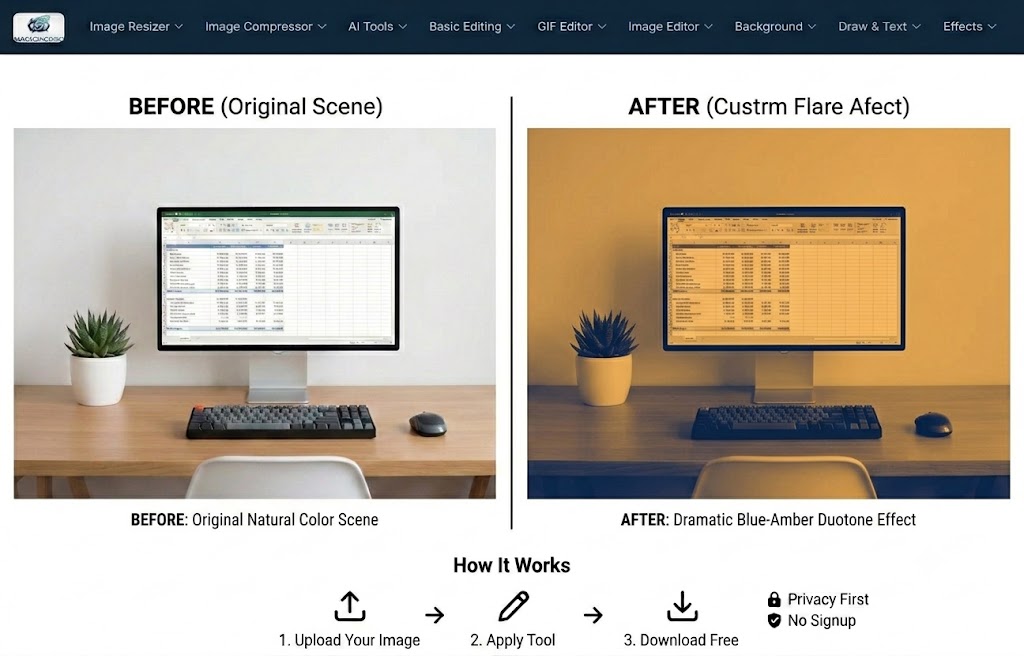
Wash any photo in a custom color — from a subtle mood tint to a dramatic duotone — with adjustable opacity and blend mode.
Tutorial Video
Watch how to upload a photo, choose any tint color, adjust the intensity, preview the transformation, and download the finished image.
Video not loading? Watch it on YouTube
About This Tool
Add a color tint or photo filter to images online free. Pick any tint color and adjust the intensity to create moods, vintage looks, or branded overlays. No software needed. MagicPicPro.
About MagicPicPro
MagicPicPro is a free, professional-grade image editor that runs entirely in your browser. We built it because great photo editing shouldn't require expensive software, cloud subscriptions, or waiting for uploads.
Every tool — from the simple crop to the multi-step scissors cut — processes pixels locally using the HTML5 Canvas API. Your images never leave your device. There are no accounts, no watermarks, and no file-size limits imposed by a server.
We're continuously adding tools based on what real creators need. If you have a feature request, we'd love to hear it.