Birthday Meme Maker — Create Funny Birthday Memes Free Online
See It in Action
Add bold birthday captions to any photo and download a shareable meme in seconds — free, no signup.
Tutorial Video
Watch how to upload a photo, add and customize a birthday message, then download and share your finished meme.
Video not loading? Watch it on YouTube
About This Tool
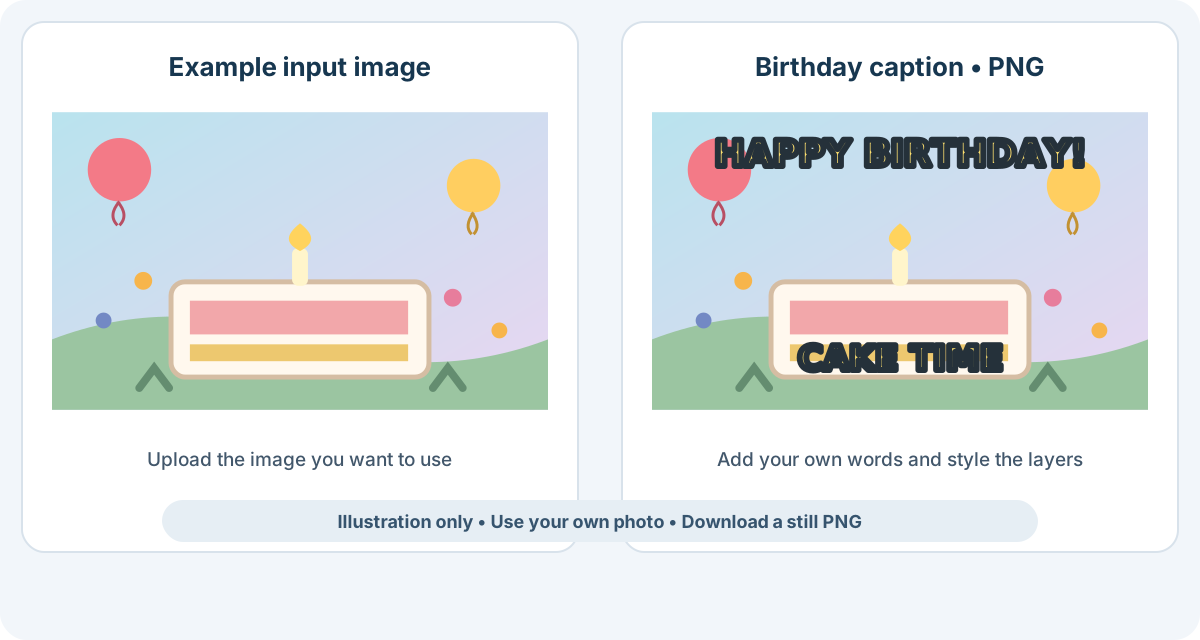
Add birthday captions to a photo or image you provide. Start with a phrase suggestion such as HAPPY BIRTHDAY! or CAKE TIME, replace it with a name or inside joke, and adjust each layer's vertical position, size, color, black outline, and capitalization. This is a caption editor, not a library of predesigned birthday backgrounds. The finished image downloads as PNG.
How It Works
- Upload a photo or image. Choose a picture of the birthday person, a shared moment, or another image you want to personalize.
- Personalize the captions. Use a birthday phrase suggestion or write your own, then adjust each layer's vertical position, size, color, outline, and capitalization.
- Review and download PNG. Check that the captions are readable and do not cover important details, then download the finished image.
Birthday Meme Maker FAQs
Can I write my own birthday message?
Yes. Replace the suggested phrase with a name, personal message, or inside joke. You can also add another text layer.
Can I move captions away from a face?
Yes. Each text layer has a vertical position slider, plus its own size and color controls.
Does it provide birthday backgrounds or templates?
No. Upload the image you want to use; the tool adds customizable captions to it rather than supplying predesigned artwork.
What format does the meme download in?
The finished captioned image downloads as a PNG.
Can I upload a GIF?
A GIF can be used as the source image, but the downloaded birthday meme is a still PNG; the animation is not preserved.
Make the Caption Feel Personal
A short name, shared joke, or specific memory usually feels more personal than a long generic greeting. Use the position slider to keep the words away from the subject, then check the color and optional black outline against the photo before downloading.