Resize Image Online Free
See It in Action
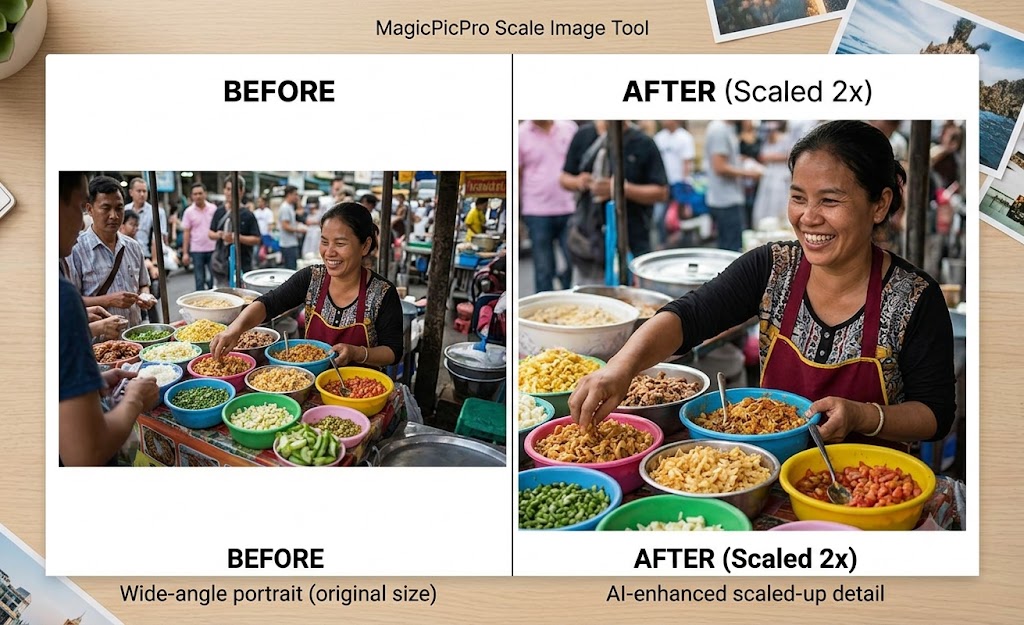
Scale any image up or down by percentage or exact pixels — AI-enhanced upscaling preserves detail even at 2× and beyond.
How It Works
- Upload Your Picture. Need to resize an image? Start by uploading your picture to MagicPicPro.
- Enter the Exact Dimensions. Enter the exact width and height you need in pixels, then scale your image.
- Download Your Resized Image. That's it! Download your resized image and use it wherever you need.
About This Tool
Resize images online free with MagicPicPro. Scale photos to exact pixel dimensions or by percentage while maintaining aspect ratio. No software download needed.
About MagicPicPro
MagicPicPro is a free, professional-grade image editor that runs entirely in your browser. We built it because great photo editing shouldn't require expensive software, cloud subscriptions, or waiting for uploads.
Every tool — from the simple crop to the multi-step scissors cut — processes pixels locally using the HTML5 Canvas API. Your images never leave your device. There are no accounts, no watermarks, and no file-size limits imposed by a server.
We're continuously adding tools based on what real creators need. If you have a feature request, we'd love to hear it.